
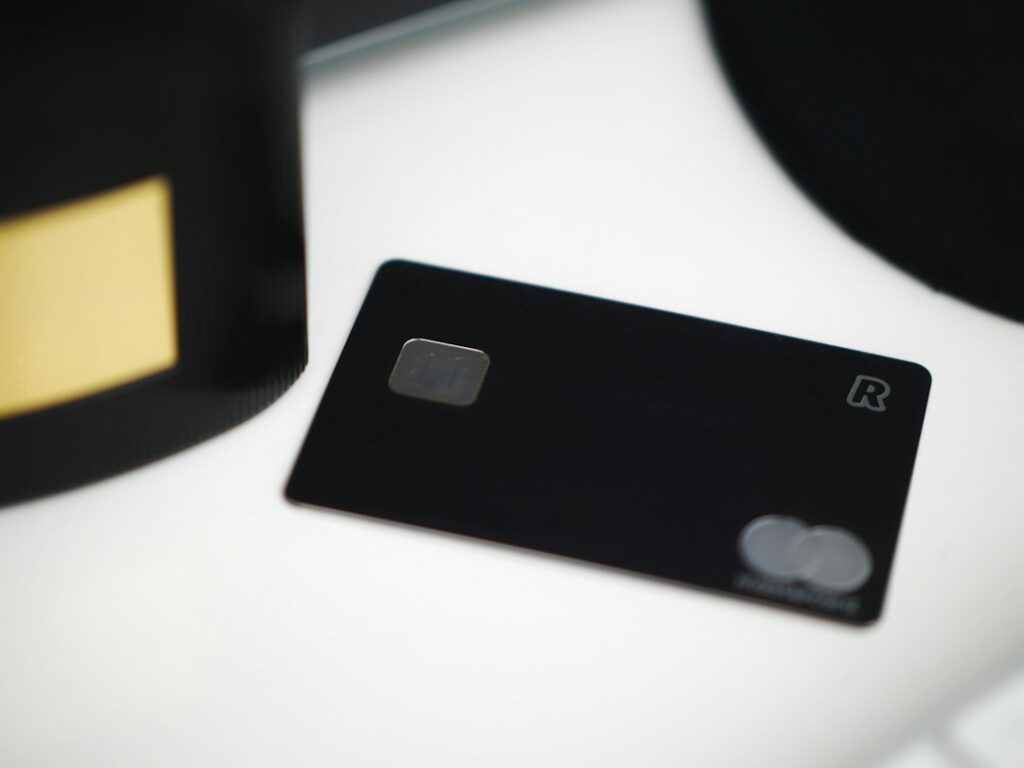
The Arculus crypto wallet is a metal, credit-card-sized cold storage device that signs transactions when you tap it against your phone. Your keys live on a secure chip inside the card; the free Arculus Wallet app shows balances and builds transactions; a six-digit PIN (plus optional biometrics) gates access. Verdict in one line: it is a convenient, phone-first way to keep keys off an internet-connected device, but the card has no screen, so you are trusting your phone to show you what you are signing. That trade-off matters more than any feature list.
Key takeaways
- Arculus is made by CompoSecure, a US metal payment-card manufacturer listed on the NYSE (ticker CMPO).
- Security relies on three factors: the physical card, your PIN, and the phone app (with optional biometrics).
- Backup is a standard 12- or 24-word BIP39 recovery phrase. Lose the card and you restore from the phrase onto a new card or another compatible wallet.
- List price is $99; the official store has been discounting it, so check the current price before buying.
- No screen on the card is the main weakness compared with screen-based hardware wallets.
What is the Arculus crypto wallet?
Arculus has two parts: the Arculus Key Card, a metal card with an embedded secure element and NFC antenna, and the Arculus Wallet app for iOS and Android. The card generates and stores private keys and signs transactions. The app does everything that needs a screen and an internet connection: showing balances, building transactions, connecting to buy and swap partners, and displaying what you are about to approve.
It belongs to the “card wallet” category of cold storage, alongside Tangem, rather than the USB or Bluetooth devices covered in our best hardware wallets roundup. The appeal is physical: the card fits in a wallet, has no battery, no cable and no firmware update screen, and looks like a premium bank card because the same company makes those.
On asset support, Arculus states that the wallet covers more than 10,000 coins and tokens across 27 blockchains, which it describes as over 95% of crypto assets by market capitalisation. Independent reviews count differently (some list only the natively supported coins), so check that the specific networks you use are listed in the app before you buy.
How the three-factor security model works
Every sensitive action requires three things at once:
- Something you have: the card. Without it, nothing can be signed.
- Something you know: a six-digit PIN set during setup. The app asks for it before the card will sign.
- Something you are (optional): Face ID, Touch ID or Android biometrics to open the app.
In practice, sending crypto looks like this: you enter the amount and destination in the app, confirm with your PIN, then hold the card against the back of the phone. The phone passes the unsigned transaction to the card over NFC, the secure element signs it internally, and only the signature comes back. The private key never leaves the chip.
A thief who takes your card still needs your PIN and an unlocked phone with the app. A thief who takes your phone has no keys at all. That separation is the core benefit over a mobile hot wallet, where the key sits on the phone itself. Our hot wallet vs cold wallet guide explains why keeping keys off internet-connected devices matters.
The secure element
Arculus and independent reviews describe the chip as a CC EAL6+ certified secure element, the same Common Criteria assurance level used in many bank cards and passports. Two caveats are worth understanding. First, the certification applies to the chip, not to the whole system: the app, your phone’s operating system and your backup process are outside its scope. Second, a secure element protects against someone physically extracting keys; it does nothing against you approving a malicious transaction.
The no-screen trade-off
Ledger and Trezor devices show the destination address and amount on their own screen, which malware on your phone or computer cannot alter. Arculus has no display, so the phone is the only place you verify a transaction. If the phone were compromised, or if a dApp asked you to sign something misleading, the card would sign whatever it was handed. For long-term savings this is a real gap; for moderate balances on a phone you keep clean and updated, many users accept it in exchange for convenience.
Backup and recovery: the seed phrase still matters
During setup, Arculus shows a 12- or 24-word BIP39 recovery phrase. It is not stored on the card or in the app, so writing it down is your job. If the card is lost, damaged or reset, you restore the phrase onto a new Arculus card or into another BIP39-compatible wallet.
Restoring elsewhere generally works, but only if the other wallet supports the same assets and derivation paths, and only if you also have any optional passphrase you added. Test this before you rely on it: restore your phrase into a second wallet with a small balance and check the addresses match. If you are unsure how recovery phrases work, read what is a seed phrase first.
Because the card cannot be cloned, there is no “backup card” option like Tangem’s multi-card sets. The paper or steel copy of your phrase is the backup.
Features: buying, swapping and staking
- Send and receive on supported networks, with the tap-to-sign flow described above.
- Buy and swap inside the app through third-party partners. These routes are convenient but usually cost more than buying on an exchange and transferring in, because partner fees and spreads are built into the quote.
- Staking: in January 2026 Arculus added native and liquid staking through the Yield.xyz integration, covering networks such as Ethereum (including Lido and Rocket Pool), Cosmos, Cardano, Polygon and others. Rewards vary by network and are never guaranteed.
- dApp access is more limited than a browser-extension wallet. Heavy DeFi users typically pair a separate hardware wallet with a desktop app instead.
Arculus price and fees
The card’s list price on the official store is $99, and at the time of writing it was on sale for well under that. Buy only from the official store or an authorised retailer: card wallets are easy to imitate, and a tampered device could have pre-generated keys.
The app is free. You pay normal blockchain network fees when sending, and partner fees on any buy, sell or swap done in the app. Arculus does not publish a single in-app fee rate because it depends on the partner and asset; the quote screen shows the total before you confirm, so compare it with what the same trade costs on an exchange.
Arculus vs Tangem
The two card wallets look similar but make different security choices. Our full Tangem wallet review covers Tangem in depth; the summary:
For another card-format alternative, the DCENT biometric and card wallet review compares its fingerprint device with its battery-free card wallet against five common threats.
| Arculus | Tangem | |
|---|---|---|
| Form factor | Single metal card | Set of two or three plastic cards (also a ring option) |
| Access control | Mandatory 6-digit PIN plus phone; optional biometrics | Optional access code; card plus phone |
| Backup method | 12/24-word recovery phrase (always) | Backup cards by default; seed phrase optional |
| Screen on device | No | No |
| Main risk | Losing both card and phrase; trusting the phone display | Losing all cards in a seedless setup; trusting the phone display |
| Best for | Users who want a familiar seed backup plus a PIN | Users who want to avoid writing down a phrase |
Pros and cons
Pros
- Keys stay on a secure chip, never on the phone.
- Durable metal card with no battery, cable or charging.
- Standard BIP39 backup means you are not locked into Arculus to recover.
- Simple, phone-first experience suitable for beginners.
- Staking added in 2026 for a range of proof-of-stake networks.
Cons
- No screen, so transaction details can only be checked on the phone.
- Requires a smartphone with NFC; no standalone desktop signing.
- In-app buy and swap partners are typically more expensive than exchanges.
- Fewer advanced Bitcoin features (such as multisig coordination or coin control) than Bitcoin-focused devices.
How to set up an Arculus card
- Download the Arculus Wallet app from the official App Store or Google Play listing.
- Create a new wallet, choose a six-digit PIN, and tap the card when prompted.
- Write down the recovery phrase on paper or steel. Never photograph it or store it in cloud notes.
- Complete the phrase confirmation step, then send a small test amount and practise a withdrawal.
- Optionally test a restore into a second wallet before moving larger sums.
Who the Arculus crypto wallet is best for
Arculus suits someone moving from an exchange to self-custody for the first time who mainly uses a phone, holds mainstream coins, and wants a physical key that is easier to carry than a USB device. It is a weaker fit for large long-term savings, where a screen-based device lets you verify every address independently, and for active DeFi users who need broad dApp support. Realistic alternatives are Tangem (seedless card option), Ledger Nano X or Trezor Safe 3/5 (screen-based), and Keystone (air-gapped QR signing). For more options and security habits, see our wallets and security hub.
FAQ
Is the Arculus crypto wallet a real cold wallet?
Yes, in the sense that private keys are generated and stored on an offline secure chip that only powers up when tapped against a phone. It is not air-gapped in the strict sense, because signing happens over NFC with an internet-connected phone, and the phone is the only screen. Treat it as cold storage with a phone-based interface, not as equivalent to a device with its own display.
What happens if I lose my Arculus card?
Your funds stay on the blockchain. Order a new card, choose the restore option in the app and enter your 12- or 24-word recovery phrase. Whoever finds the lost card still needs your PIN and an unlocked phone to use it, but move funds to a new wallet if you think both were exposed. If you lose both the card and the recovery phrase, there is no way to recover the wallet, and Arculus cannot help.
Can I use my Arculus recovery phrase in another wallet?
Generally yes, because it follows the BIP39 standard. Restoring into Ledger, Trezor or a software wallet should show the same addresses if that wallet uses matching derivation paths for each coin. Some tokens or networks may need an extra step or may not appear. Test with a small balance first, and remember any optional passphrase is also required.
Is Arculus better than Ledger?
It depends on what you value. Arculus is simpler to carry and use on a phone, with a mandatory PIN and a metal build. Ledger devices have a built-in screen for independent verification, a desktop app and wider DeFi integrations, but cost more and add cables or Bluetooth. For larger holdings, the ability to verify addresses on the device itself is usually the deciding factor.
Crypto is volatile and risky; this is education, not financial advice. Do your own research.